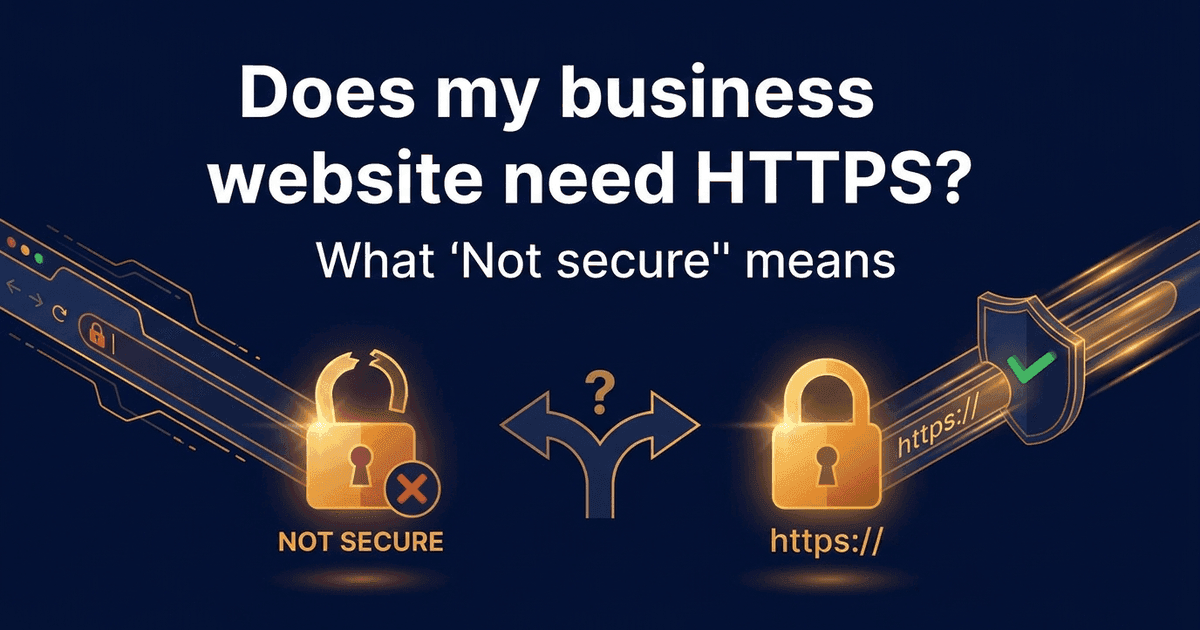
Does my business website need HTTPS? What "Not secure" means
You open your own website and the browser says "Not secure". Or your developer tells you the site needs HTTPS, and you wonder why, given that nobody pays you through it. This is a common worry for owners of simple brochure or service sites, so here is what the warning means and what to do about it.
What the "Not secure" label means
In Chrome, a "Not secure" label means something is wrong with the privacy of the site's connection. In practice, other people may be able to see and change what is sent between your visitor and your website. That can include a contact form message, a phone number typed into an enquiry box, or simply which pages someone looked at.
The label is a message to your visitors, and they will see it before they read a word of your copy. A cautious customer who spots it may well leave.
What HTTPS actually does
HTTPS is the secure version of the connection between a website and a visitor's browser. According to web.dev, a Google resource for web developers, it does two main things.
It helps prevent tampering. HTTPS helps stop intruders from tampering with communication between your site and your visitors' browsers. The intruders are not only hackers. web.dev points out that they can also be legitimate but intrusive parties, such as internet providers that inject adverts into pages. Without HTTPS, your visitor might see something on your site that you never put there.
It makes passive listening harder. HTTPS also prevents intruders from passively listening to the communication between your website and your visitors. web.dev notes that even a single visit to an unprotected site can reveal information about a person's behaviour.
"But I do not take payments"
Many owners assume that only sites handling sensitive information, such as shops and banks, need HTTPS. web.dev calls this a common misconception. The protection applies to the connection itself, not just to card details. If your site has a contact form, a booking request or even just a page of opening hours, the connection between you and your visitor is still worth protecting.
A site without payments is therefore not a reason to skip HTTPS. It is simply one with less to lose if something goes wrong, which is not the same as nothing to lose.
Who has to fix it
Chrome's guidance is clear that the fix sits with the site owner. You, or whoever looks after your site, need to secure the site and your visitors' data with HTTPS. Visitors cannot fix it for you, and clicking past the warning only moves the risk onto them.
There is one more detail worth knowing. Chrome has a setting called "Always use secure connections". When a visitor has it switched on, Chrome can show a "Connection is not secure" warning on sites that do not use HTTPS. So even careful visitors may be stopped before they reach your page.
What to do next
- 1Check your site. Open it in Chrome, on your computer and on your phone. Look at the address bar. If you see "Not secure", the site is not using HTTPS properly.
- 2Ask your developer or host. Put the question plainly: "Is our whole website served over HTTPS, and does it work on every page?" Many hosting providers can set this up. Ask what it involves for your setup rather than assuming.
- 3Test again afterwards. Visit your home page, your contact page and any page with a form. Each should load without a warning.
- 4Keep an eye on it. Look at the site now and then, particularly after a redesign or a move to a new host.
What not to expect
HTTPS is about protecting the connection and the trust your visitors place in it. We are not promising that it will lift your search rankings or bring in more enquiries, and the source we relied on does not make that claim either. Treat it as basic housekeeping, much like locking the shop door, rather than a marketing tactic.
In short
If your browser shows "Not secure", the connection to your site is not private, and others may be able to see or change what passes through it. HTTPS helps prevent tampering and makes passive listening harder, and that applies to a simple business site as much as to a shop. The belief that only sensitive sites need it is a common misconception. Ask whoever manages your website to fix it, then check for yourself that the warning has gone.
Continue Reading
Discover more insights and stories